FREQUENTLY ASKED QUESTION

Fill in the form on the website or contact us on sales@logitechprepaid.co.za for a free quote.

You will need to complete an activation form (contact help@logitechprepaid or our whatsapp support line for the form)

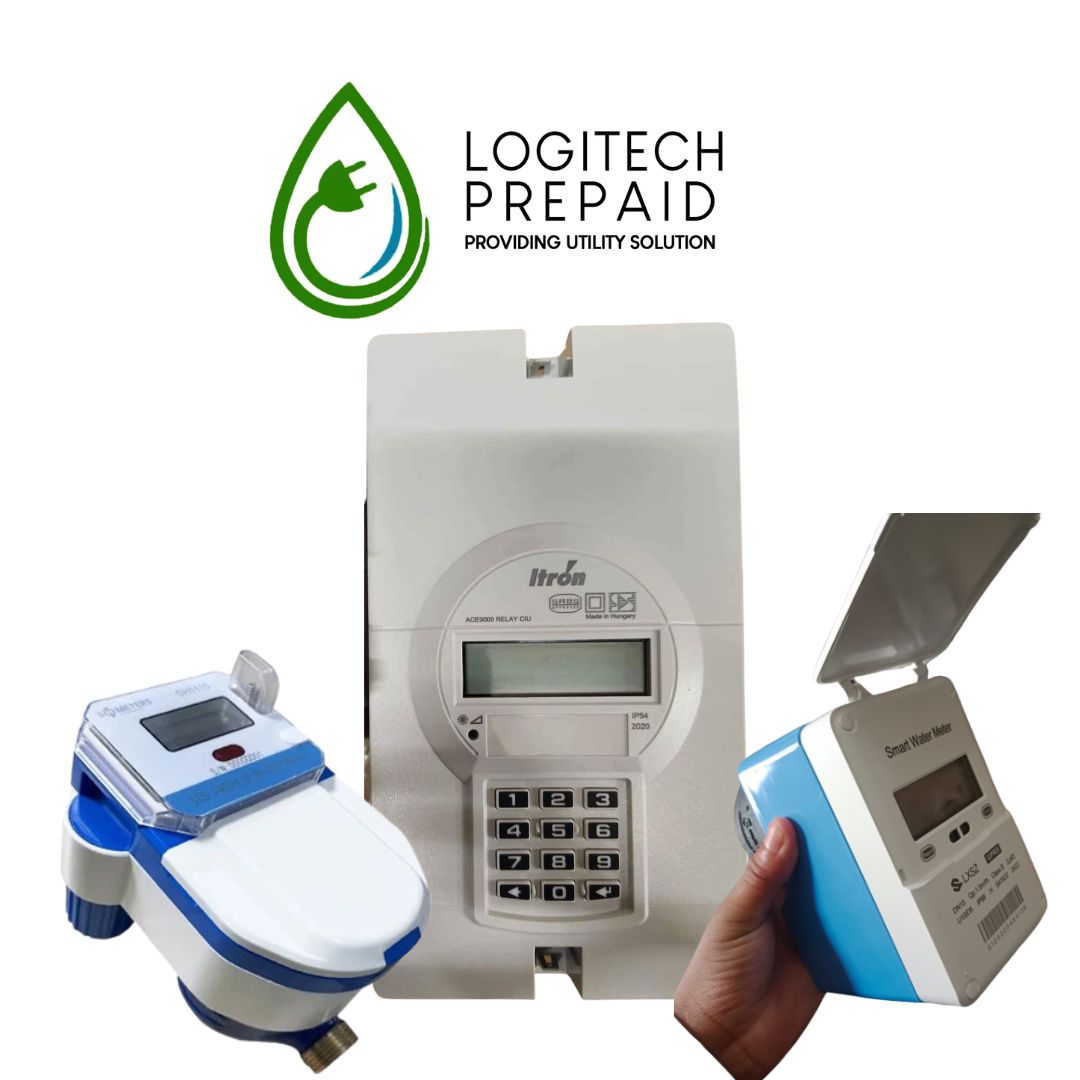
Once the meter is installed, the next step is to register it with Logitech Prepaid System. After receiving a confirmation from our help desk then you may proceed to purchase tokens using the 11 digit meter number printed on your card or on your meter.

A token is an STS (Standard Transfer Specification) compliant 20 digit number issued upon

purchase that will release the specified amount of electricity (in kwh) or water (in kL) on your

prepaid meter. A token can be purchased using your meter number. Once you pay we generate

a token that gives you the units for the value paid. You can then punch the token number into

the meter to get the electricity/water equivalent. The amount due will then be paid to the

landlord.

Tokens can be purchased in multiple ways, including both offline and online. For more information on how to buy tokens (Click here – attach link to the ‘Where and how can I buy tokens”)

Tokens purchased over the website are available to customers either via SMS, email or displayed directly on the website. Tokens purchased from Easypay or Cigicell stores will provide you with the 20 digit token number which can be keyed directly into your meter. UniPin

vouchers (Cigicell) will require that you SMS your voucher number to the number provided, whereafter your token will be sent to you via SMS

Depending on your location, electricity costs can vary. Power is provided by Eskom or the relevant municipality with each provider setting their own tariffs, within NERSA (National Energy Regulator) guidelines. This results in a wide range of base unit rates from as little as R1,24 to over R1,85 depending on the exact location of the property. Also note that some providers work on ‘volume based’ pricing (Incline Block Tariff), which means the cost increases the more you purchase within a calendar month. For example, there could be different rates for the first 500 units, 1000 units, 2000 units and units over 3000. This is why, for these tariffs, electricity generally costs more when purchased on the 26th of the month than on the 2nd.

According to the Rental Housing Act, a landlord can’t make a profit on the provision of utilities. We need to verify that the tariff is set correctly so that the landlord doesn’t over-or under recover, and that tenants don’t pay too much or too little

If you purchased prepaid electricity multiple times in a month and wondered why your tariff rate differed, it is most likely because of Incline Block Tariffs. Incline Block Tariffs (IBT) were invented by Eskom/NERSA as a way to make electricity affordable for those who use little and also discourage consumption. The electricity price per unit is divided across several blocks. The first block is the cheapest price per unit but there is a maximum quantity of how many units you can buy at the cheapest rate i.e. block one. After you’ve purchased the maximum units from block 1, you will move to block 2, a more expensive rate per unit and so on.

The tenant buys a token and pays for it upfront through the Logitech Prepaid Collection service which is connected to any of the preferred means of token purchasing. The money is paid into the Logitech Prepaid trust account, which in turn is paid over to the landlord or body corporate bank account.

Logitech Prepaid transfers all recovered utility costs to the property owners into their registered bank account by the 2nd working day of each month. This recovery includes the base unit rate and building recovery fee. The property owner is then responsible for settling all accounts with their electricity and water provid

STS (Standard Transfer Specification) is an internationally accepted system developed by the STS Association to ensure complete security of your meter and the tokens that will work with them. The Logitech Vending system is STS compliant and has been certified by the STS Association. Furthermore, Logitech is a member of the STS Association which is responsible for ensuring compliance with the system. Go to www.sts.org.za for more information.

Step One – Contact your service provider and inform them that you would like to switch and request a key change. Your service provider may charge you for this, and you will need to pay them directly. Once you have successfully paid for the key change, your service provider will give you a key change token. Keep this safe! – The next step is to contact Logitech Prepaid on the same day!